SEO ToolsAlternatives
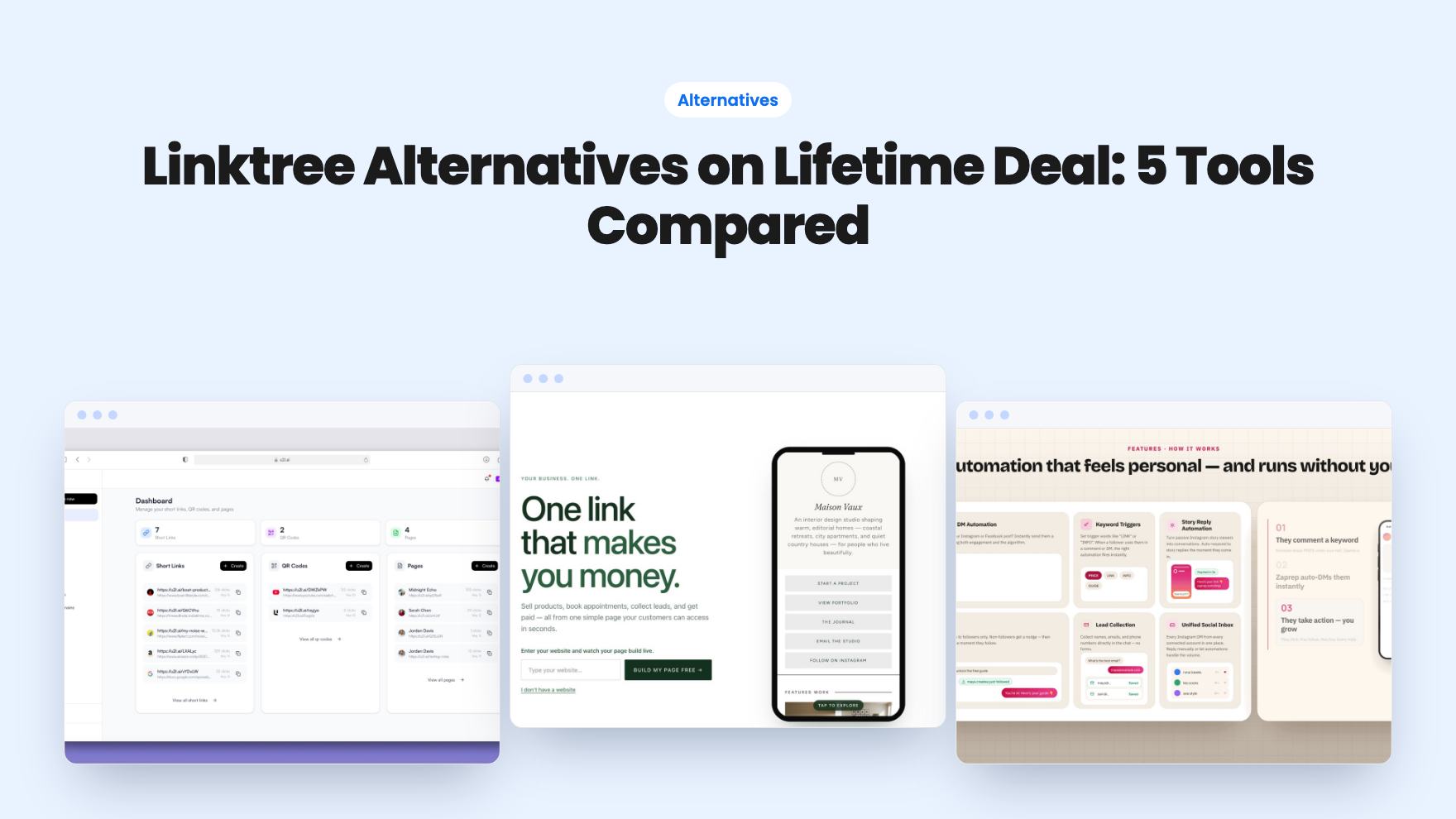
Linktree Alternatives on Lifetime Deal: 5 Tools Compared
Five AppSumo lifetime deals named as Linktree alternatives, from $19 to $59 entry prices. See who each suits and what the listings leave out.
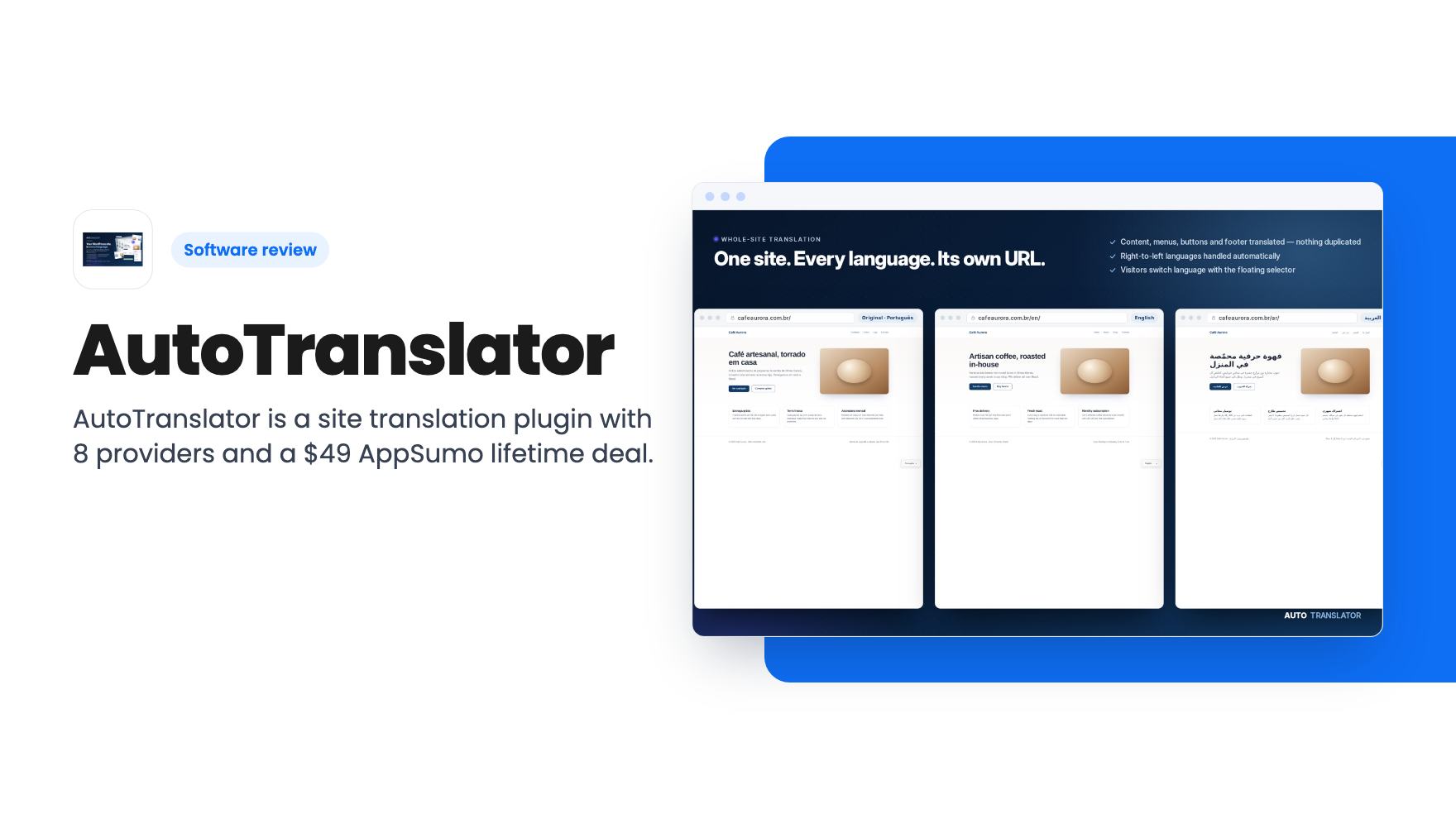
AutoTranslator is a site translation plugin with 8 providers and a $49 AppSumo lifetime deal. You pay your own AI and translation fees, and it's untested here.
Lifetime deal price
$49$15067% off
Lifetime Deal
Our take: Worth a look if you run a WordPress site or store, are comfortable pasting in API keys, and want to control translation costs yourself. Skip it if you want a fully bundled service with no keys, or if you need proof of long-term support, since the listing says little about the company.
Say you run an online store and a chunk of your traffic lands on English pages it can barely read. You’ve priced translation plugins, and most of them charge monthly, with the bill growing as your word count does. That’s the itch AutoTranslator is built to scratch, and it does it with a different pricing idea: you bring your own translation provider and pay them directly.
We haven’t tested it hands-on. There’s no product video either, so everything here comes from the AppSumo listing, which is marketing copy. Read it with that in mind.
The listing files it under Build & Code, in the WordPress and SEO area. It mentions Yoast, a theme, menus, a cart and a plugin database table, so this is a WordPress plugin even though the listing never says so in one clean sentence. The listing says it is best for ecommerce, SaaS and web design agencies.
One oddity. The listing names ActiveCampaign as an alternative. ActiveCampaign is email and marketing automation, and this is a site translator. We’d treat that as a tagging mistake, but it does tell you the listing wasn’t edited with much care.
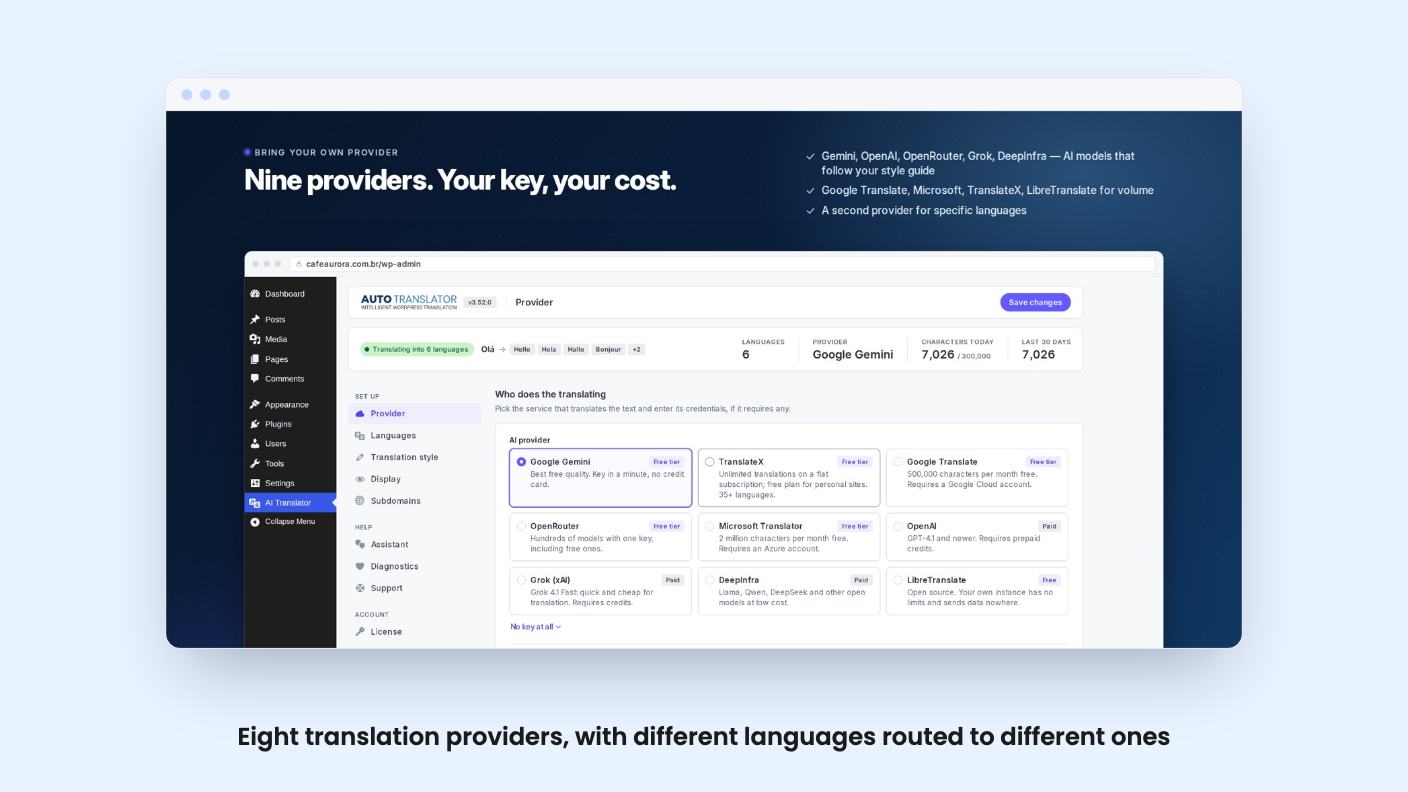
This is the part we like most. AutoTranslator supports 8 providers, from free tiers up to frontier AI models. The names in the listing are LibreTranslate, Google Gemini, Google Translate, Microsoft, OpenAI, Grok, DeepInfra and OpenRouter.
You can route different languages to different providers at the same time. So a cheap machine translation service can handle a long tail of languages, while a stronger model handles the two languages that bring you the most revenue. You can also enter custom model IDs per provider, which matters because AI model names change often.
The flip side is cost control lands on you. Free tiers are called generous, but the listing gives no numbers. If you have thousands of products, you’ll want to check each provider’s limits yourself before you commit.
The listing says it translates content, the theme, menus, the cart, and AJAX and REST responses. That last bit is what separates a serious tool from a post-body translator. Load-more buttons, filters, live search and cart updates are translated on the server before they reach the browser, in one batch per response. Content that only exists in the browser is picked up by a lightweight script that watches the page.
Translation runs block by block, which the listing says avoids blank pages and timeouts. That’s a fair thing to claim and a hard thing for us to verify. Big pages on cheap hosting are exactly where translation plugins fall over.
Translations are stored in a database cache, so repeat visits are served with zero provider calls. In practice, you pay to translate a page once, not every time someone loads it. That’s the feature that makes the bring-your-own-key model affordable.
It also says it works with page caches and CDNs. With directory or subdomain URLs, each language is its own page, so caching behaves. In cookie mode, the diagnostics tool warns you if the cache is serving the original language. We’d pick directory URLs, partly for that and partly because separate URLs are what search engines can index per language.
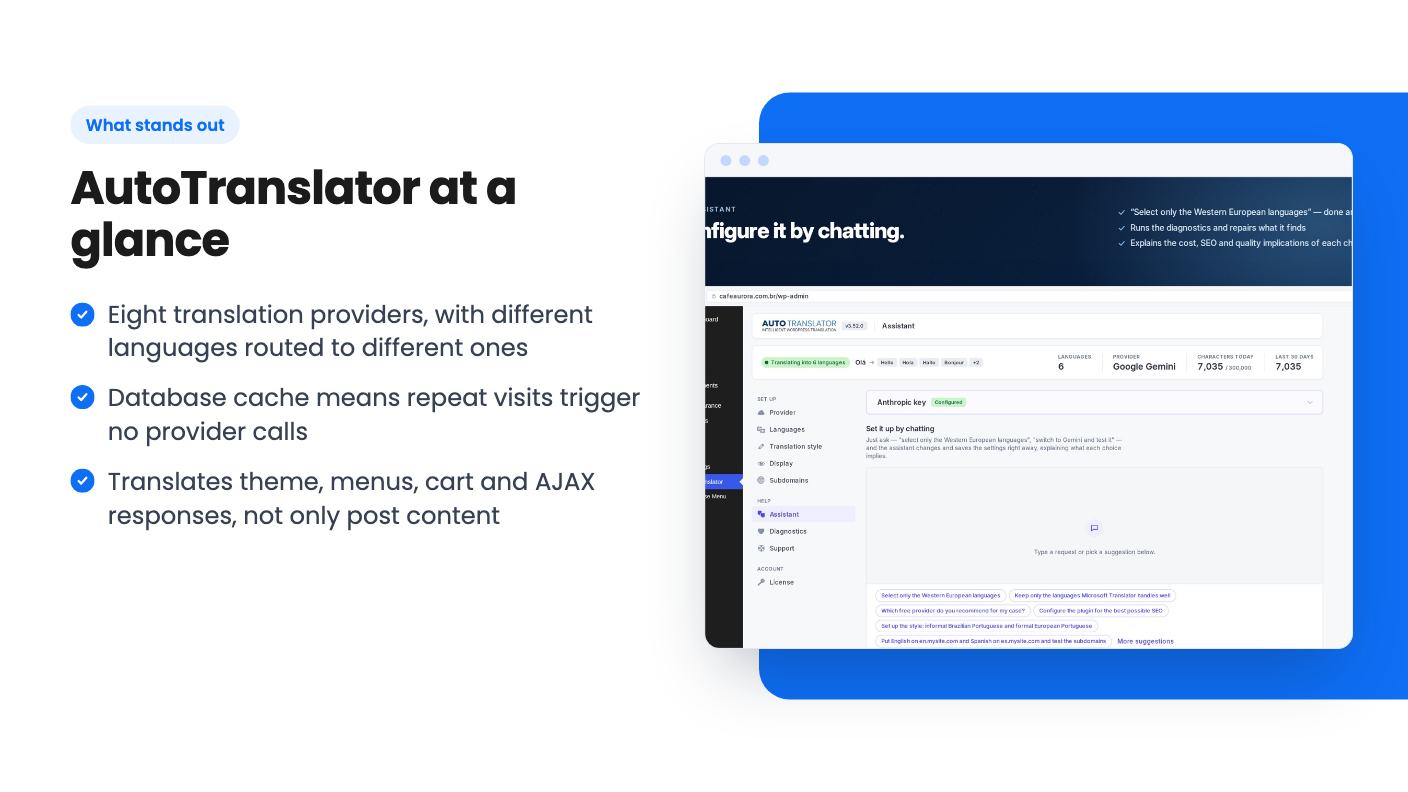
Two features are aimed at people who don’t want to read documentation. The configuration assistant lets you type a sentence to set languages, providers and tone. It explains cost, coverage and SEO impact before it applies anything, and it runs connection tests only with your confirmation.
Here’s the catch. The assistant runs on a Claude model from Anthropic, using your own key, separate from your translation provider. The listing says a typical conversation costs cents and the key never leaves your server. That’s reasonable, but it means a third account to set up before the helper helps.
The self-support diagnostics are more unusual. They check your environment, logs and cache, simulate a visitor request to find the real problem, and propose code fixes as diffs with automatic backup and revert. A tool that edits code on your site makes us a little nervous, though the backup and revert design is the right safeguard. We’d want to see how it behaves on a staging site first.
Other controls are plain and useful. Add the notranslate class or translate=“no” to any element, and put brand and product names in a glossary so they stay untouched.
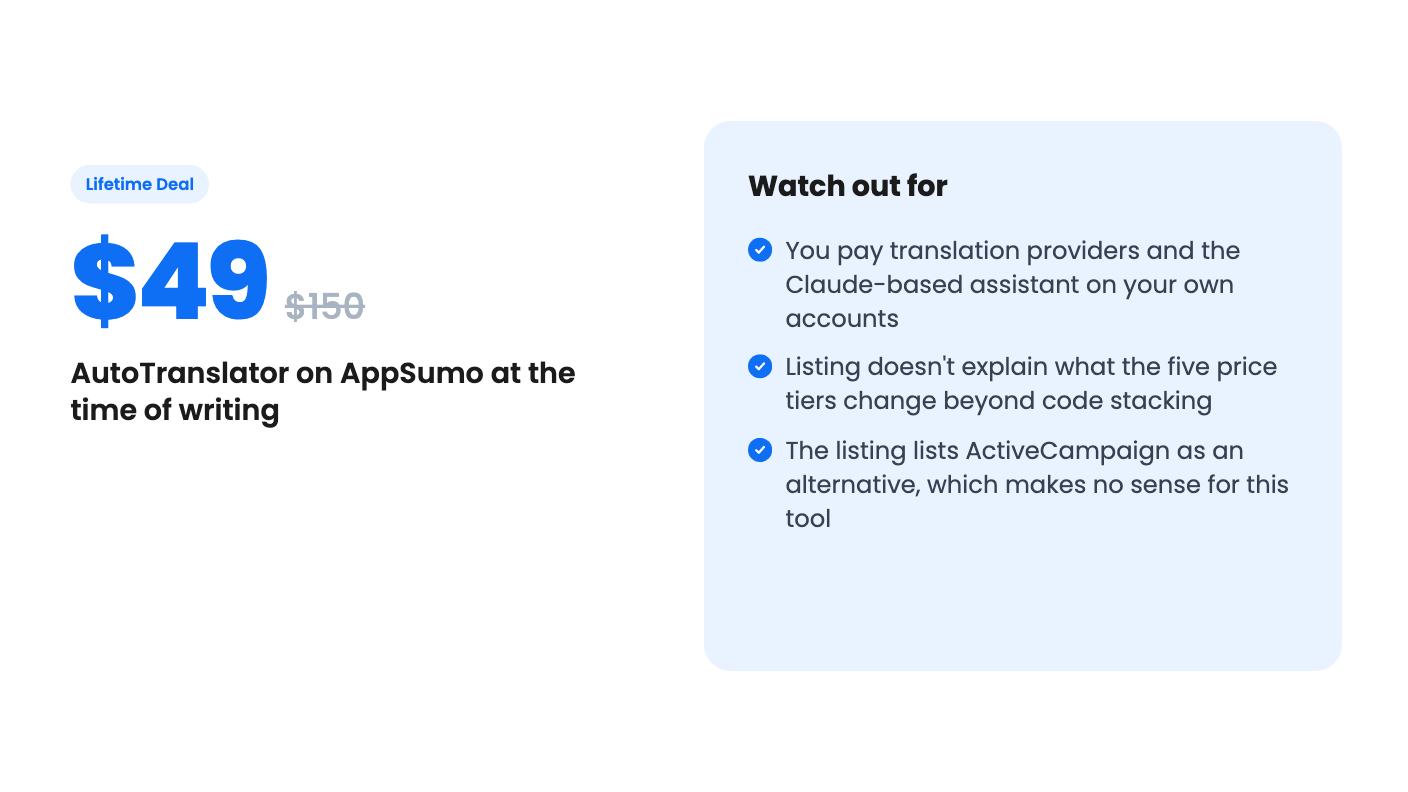
The price ladder runs $49 (list $150), $98, $147, $196 and $245 (list $750). Every tier lists the same features: lifetime access, all future plan updates, a 60-day redeem window and stacking up to 5 codes. The listing doesn’t say what stacking changes. Higher tiers may raise site, language or word limits, but we can’t tell, and the listing doesn’t say. Find that out before paying for more than tier 1.
Even at $49, the lifetime fee is only part of your cost. Provider charges are separate, and so is the assistant’s Anthropic usage. For a small site with a few languages, that’s probably modest. For a large catalog translated by a top-tier model, it can add up.
It’s also a young product with little information about the team, the roadmap or the support. A lifetime deal is only as good as the company’s willingness to keep updating a WordPress plugin through years of core changes.
Skip it if you want a hosted service where someone else handles keys, billing and quality. Skip it if your site isn’t on WordPress, or if you need professional human review of every page, since this is machine translation with a tone setting.
If you do buy, uninstalling is low-risk by the listing’s account. Your site returns to its original language immediately, and the stored translations stay put until you delete them. Buy one code, try it on a staging copy, and use the 60-day window before you spend more.
For most providers, yes. According to the listing, LibreTranslate works without a key, Gemini, Google Translate and Microsoft have free tiers, and OpenAI, Grok, DeepInfra and OpenRouter are pay-as-you-go on your own account.
Tier 1 is $49 (list $150). Tiers 2 to 5 are $98, $147, $196 and $245. Codes must be redeemed within 60 days, and you can stack up to 5. The listing doesn't say what extra codes unlock.
Per the listing, your site goes back to its original language immediately. The translations stay in the plugin's database table until you choose to remove them.
How this review was made: researched from AutoTranslator's official listing, and written with help from AI. We have not tested AutoTranslator hands-on yet. Prices and deal terms change, so check AppSumo before you buy. See our affiliate disclosure.
Five AppSumo lifetime deals named as Linktree alternatives, from $19 to $59 entry prices. See who each suits and what the listings leave out.
Six AppSumo lifetime deals pitched as Google Analytics alternatives, grouped by the job you need done, with tier limits and gaps spelled out.
Ten AppSumo lifetime deals named as Ahrefs alternatives, grouped by job: keywords, site fixes, AI search tracking and competitor research. Limits included.