


Lifetime deal price
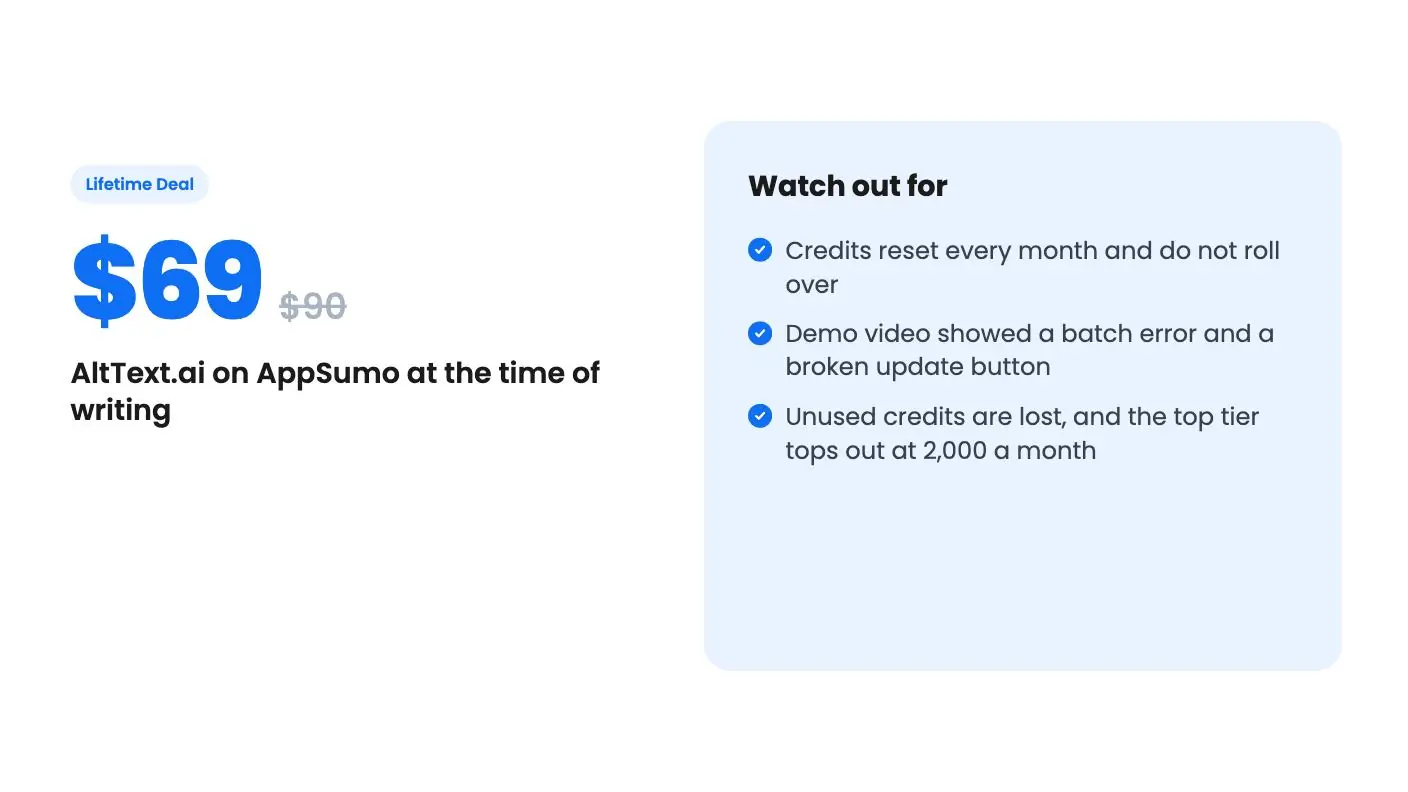
$69$9023% off
Lifetime Deal
4.7(94 AppSumo reviews)
Quick verdict
Our take: Buy the $69 or $149 tier if you run a WordPress or Shopify site and want alt text written from what the image shows, not from the page title. Skip it if you publish thousands of images a month, since credits reset monthly and cap out at 2,000 on the top tier.
Best for: Developers, Ecommerce, Marketing agencies
What we like
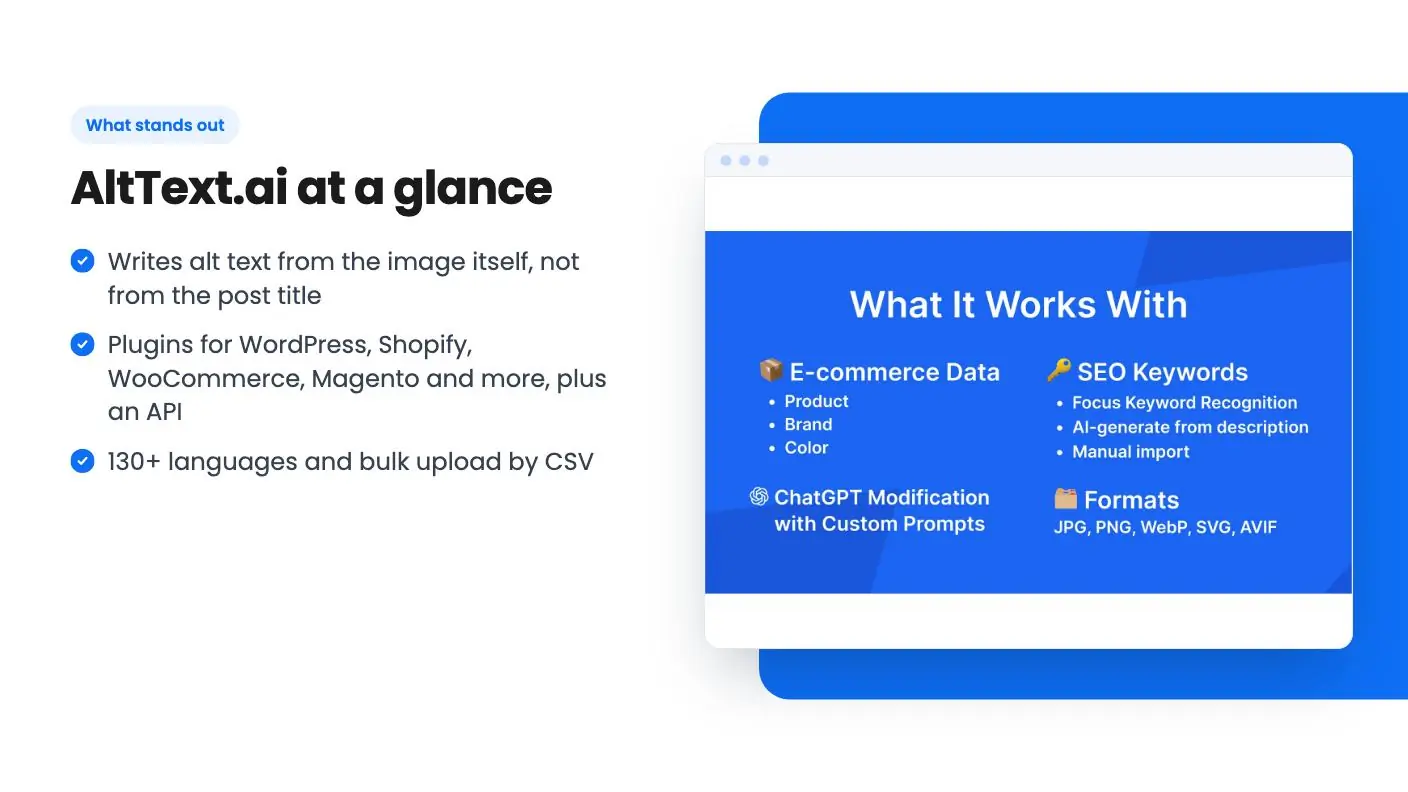
- Writes alt text from the image itself, not from the post title
- Plugins for WordPress, Shopify, WooCommerce, Magento and more, plus an API
- 130+ languages and bulk upload by CSV
- Three tiers, and you can move between them while the deal is live
Watch out for
- Credits reset every month and do not roll over
- Demo video showed a batch error and a broken update button
- Unused credits are lost, and the top tier tops out at 2,000 a month
Picture a WordPress media library with a few hundred product photos and blog graphics, and nearly every one of them has an empty alt text field. You know that’s bad for accessibility and for image search. You also know nobody is going to sit down and write 400 descriptions by hand.
Get AltText.ai for $69 on AppSumo →
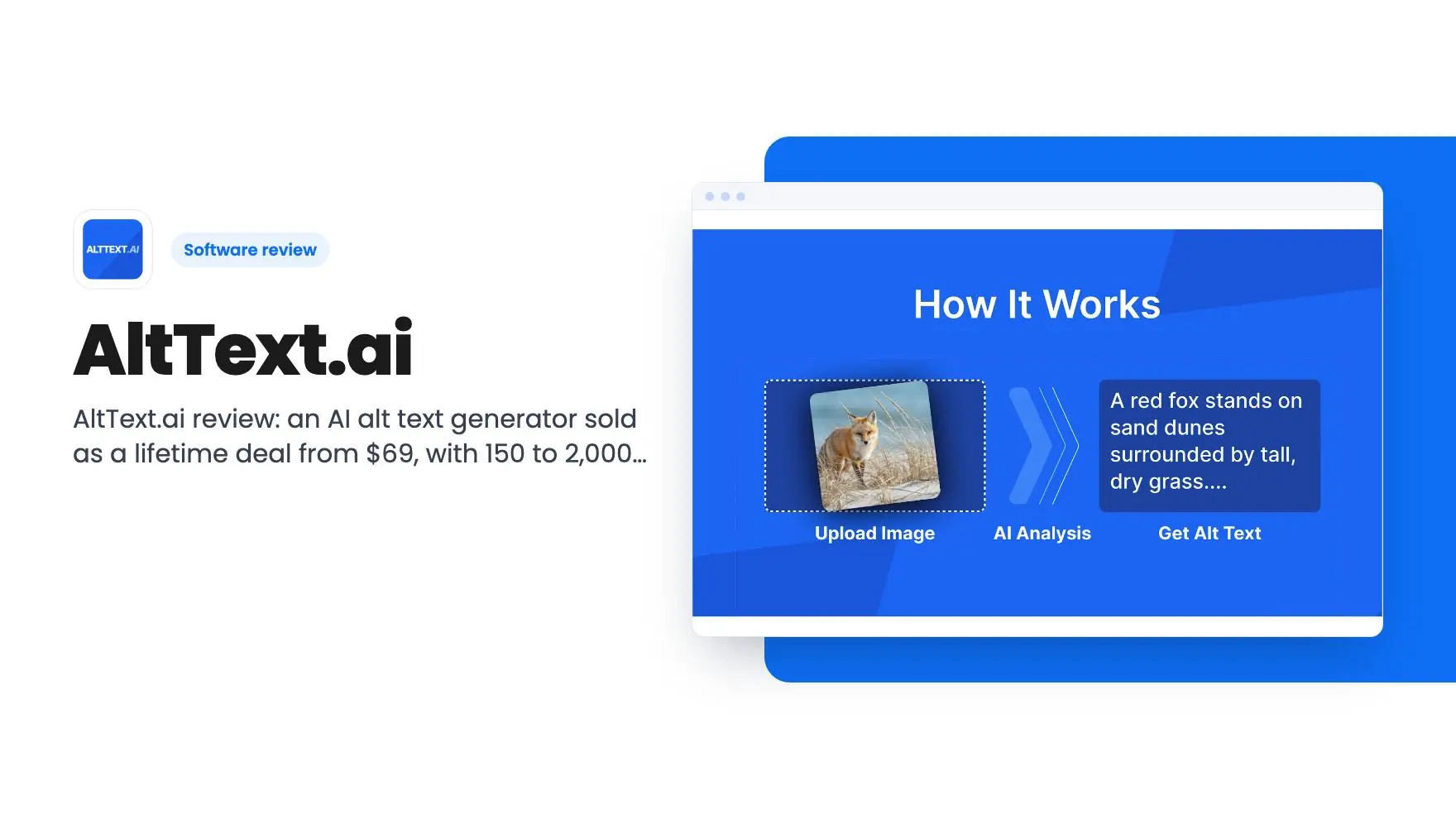
That’s the gap AltText.ai is aimed at. It looks at the image and writes a description, which it can then pass into the alt text field of your site. The listing says it can do this for a whole media library, and it adds a few options on top: keywords, brand names and more than 130 languages.
The lifetime deal is on AppSumo at $69, down from a $90 list price. We haven’t used it ourselves, so this AltText.ai review comes from the listing and from a third-party demo video.
What AltText.ai does with your images
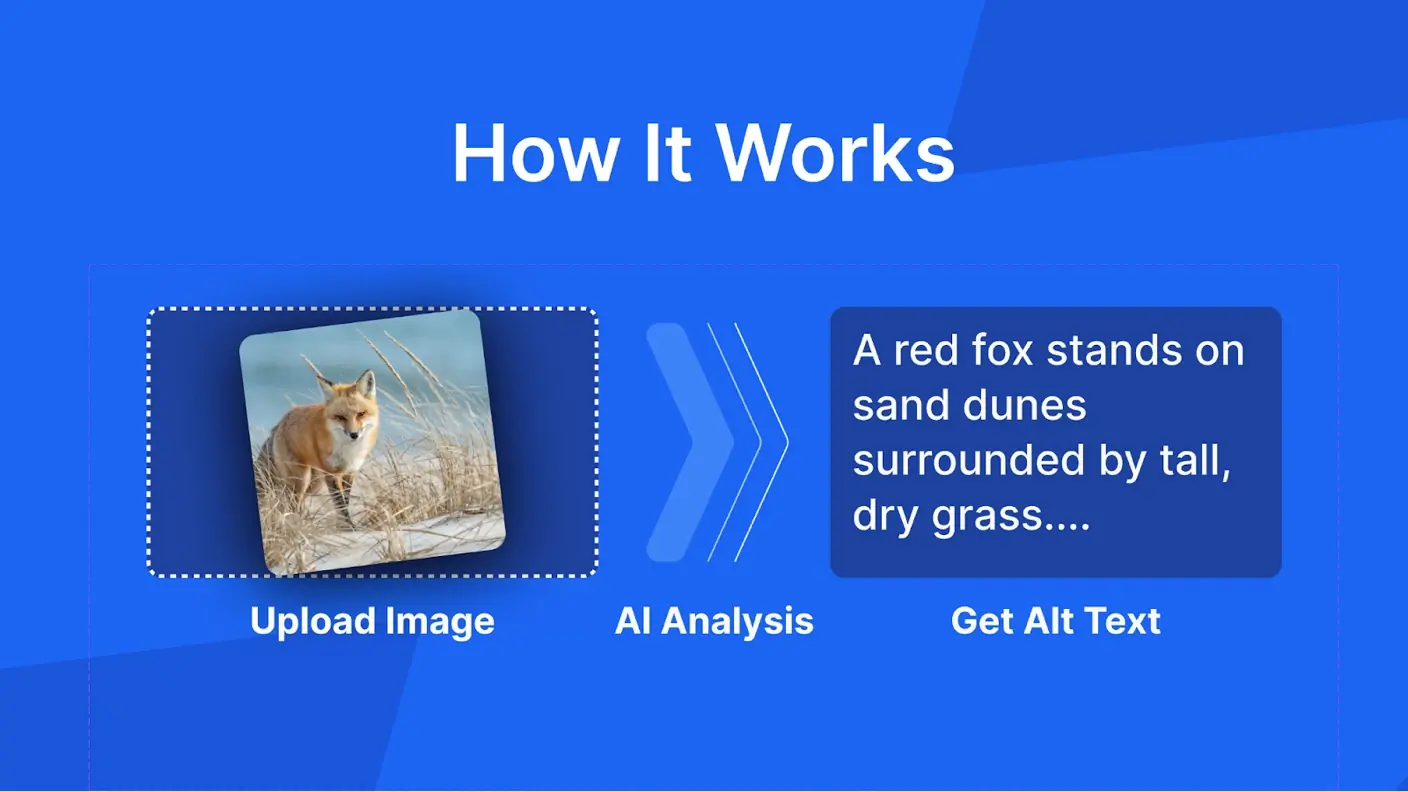
The core job is simple. You give it an image, a CSV file or a link, and it returns alt text. You can do that one image at a time, or in bulk for a large library. The listing’s FAQ says you can process thousands of images at once from a CSV.
The part we like in this AltText.ai review is that it describes the picture. The demo video makes a fair point here: many SEO plugins build alt text from the post title or surrounding text, which is guesswork. A tool that reads the image is at least working from the right material.
You can also give it a list of keywords to work in, and the listing says they’re meant to read naturally. We’d treat that with some caution. Any tool that inserts keywords can produce stiff text, and the listing doesn’t show examples. Check a sample batch before you let it run on a whole store.
For ecommerce, there’s a brand and product name option. New or updated products can pick up those names automatically, which is useful if your catalog changes often.
Where AltText.ai plugs in
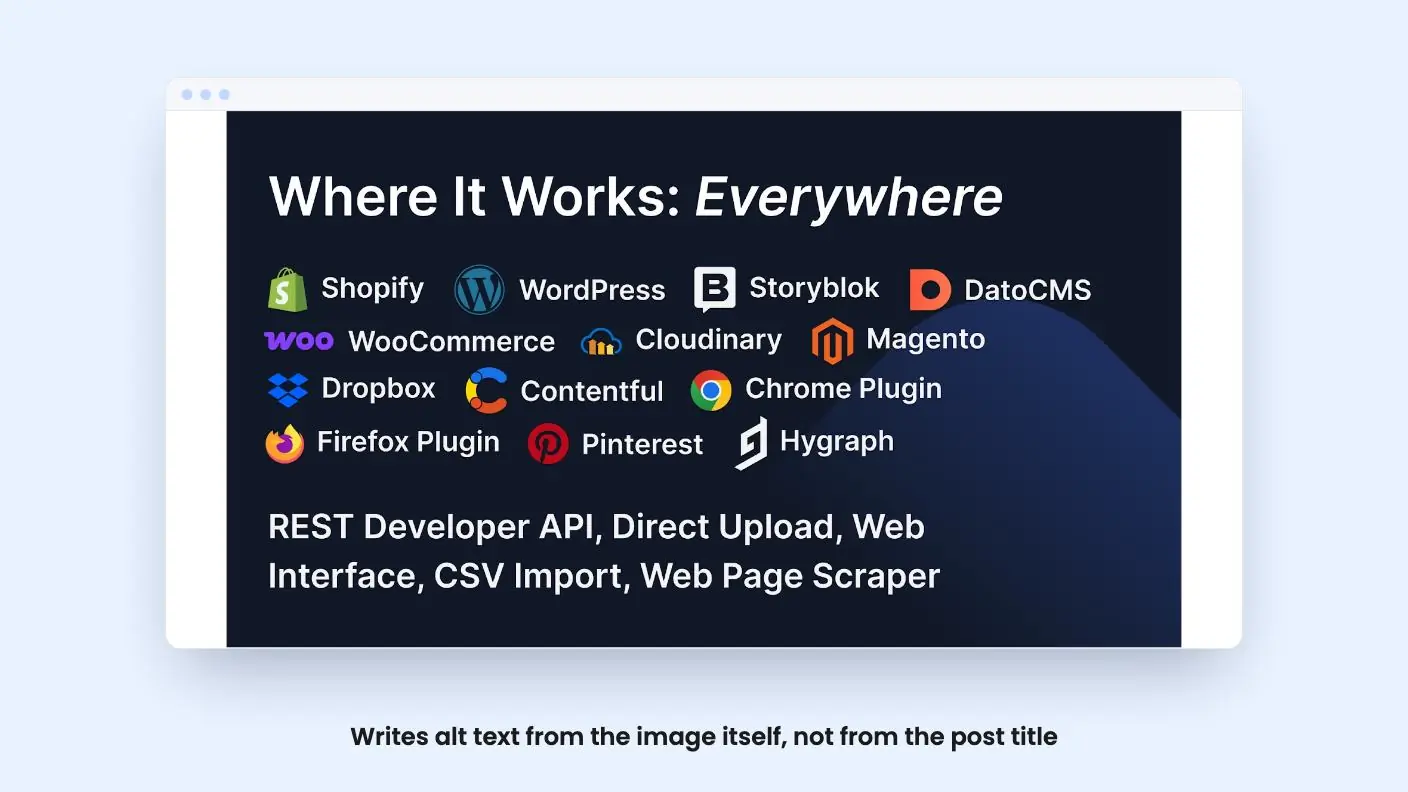
The integration list is a real strength. The listing names WordPress, Shopify, WooCommerce, Magento, Contentful, Hygraph and DatoCMS, plus Chrome and Firefox extensions. There are also connectors for Zapier, Pabbly, Albato and SureTriggers, and a developer API.
On WordPress, the plugin writes alt text for each new upload and can go back over existing images. It also works with Yoast, All In One SEO, Rank Math, SEOPress, Squirrly SEO and The SEO Framework, so you don’t have to pick between it and your current setup.
Squarespace and Webflow users get less. There’s no plugin mentioned for either. You use the browser extension, right-click an image, then copy and paste the result into your site. That works, but it’s manual, and at that point you’re paying for a faster way to write descriptions, not for automation.
One other limit from the FAQ: SVG files aren’t processed. If your site leans on SVG graphics, those will need another solution.
Get AltText.ai for $69 on AppSumo →
What the demo video shows
The video is from an affiliate, who says plainly they earn a commission. It’s useful, but it isn’t a controlled test, and the transcript is rough in places, so take the details loosely.
The reviewer ran a batch of 91 images through it. It took roughly four minutes, and the tool reported 46 successful, which the reviewer read as a partial failure. They also noted that an icon was skipped and guessed it might be a size threshold. The listing doesn’t say anything about a minimum image size, so that’s only a guess.
The results they showed were mostly sensible. An Apple Watch was described as a watch with many icons. A woman in an apron holding flowers and a tablet was recognized. A pair of white headphones was described against a black background when the background was actually blank, so there’s a factual slip.
The same text was filled into the alt text, title, caption and description fields. That’s convenient, but you may not want identical wording in every field.
Uploading a single image of a medieval chariot returned a description quickly, which the reviewer called a horse drawn carriage with two knights. Then the reviewer tried to update the alt text with a button, and it didn’t work. They called it a probable bug.
The short version of this AltText.ai review is that the output is usable, the speed is fine, and the product has rough edges. It also fits what AppSumo’s own review summary admits: occasional generic descriptions and some manual fixing, especially for complex images.
The AltText.ai deal and its limits
There are three tiers, and the only difference between them is the monthly credit count.
| Tier | Price | List price | What you get |
|---|---|---|---|
| Tier 1 | $69 | $90 | 150 image credits a month |
| Tier 2 | $149 | $274 | 600 image credits a month |
| Tier 3 | $319 | $588 | 2,000 image credits a month |
A note on the video: the reviewer’s spoken prices don’t match the listing. They mention $19 and $200 at points. Go by the listing numbers above.
The cap that matters is that monthly credits do not roll over. If you use 40 credits one month, you don’t get 260 the next. For a blog that publishes in bursts, that’s a real cost. The listing doesn’t spell out how many credits a single image uses, but “image credits” suggests one each.
The terms are otherwise decent. You must activate within 60 days. You can upgrade between the three tiers while the deal is open, and downgrade within 60 days of purchase. The plan is called Silver, and the listing says future Silver Plan updates are included. AppSumo also mentions a 60-day money-back guarantee, which gives you time to run your own sample.
The listing also says the subscription works across an unlimited number of websites and that AltText.ai doesn’t store the images you process. Both are good for agencies, though the shared credit pool is the real limit.
Who should skip it
If you add a few images a week, the $69 tier covers you. If you have a backlog of several thousand images, though, 150 credits a month will take years to clear, and even 2,000 a month needs a few months. Do the maths on your library before you pick a tier.
Skip it too if your images are mostly SVGs, or if you work in Squarespace or Webflow and want automatic updates. The manual copy and paste route removes much of the appeal.
Also be careful if accessibility compliance is the main goal. Alt text for screen readers needs to be accurate and appropriate in context, and a tool that sometimes writes generic or slightly wrong descriptions needs a human check. The listing leans on SEO and accessibility together, but it offers no accuracy figures.
Finally, this AltText.ai review has to flag that it’s a young product with visible bugs in the demo. The lifetime access and 60-day window lower the risk, but you’re still betting on the company keeping the service running.
Related reading: TinyKPI review, SourceXray review.
All AltText.ai features
Taken from AltText.ai's AppSumo listing. We haven't tested these features hands-on.
What changes by plan
| Feature | Tier 1 $69 | Tier 2 $149 | Tier 3 $319 |
|---|---|---|---|
| Image credits per month | 150 | 600 | 2,000 |
What the lifetime deal includes
- Lifetime access to AltText.ai
- All future Silver Plan updates
- If Plan name changes, deal will be mapped to the new Plan name with all accompanying updates
- No codes, no stacking—just choose the plan that’s right for you
- You must activate your license within 60 days of purchase
- Ability to upgrade between 3 license tiers while the deal is available
- Ability to downgrade between 3 license tiers within 60 days of purchase
- Available for new AltText.ai users and returning AppSumo purchasers
- Previous AppSumo customers who purchased AltText.ai can upgrade their license to increase their feature limits
- Monthly credits do not rollover
At a glance
- Best for
- Developers, Ecommerce, Marketing agencies
- Integrations
- Chrome, Custom API, Magento, Shopify, WordPress
- Category
- Marketing › SEO & Analytics
- Website
- alttext.ai
Decided AltText.ai fits? The lifetime deal starts at $69. Check the tier limits on AppSumo before you pick one.
Get AltText.ai on AppSumoKeep reading about AltText.ai
AltText.ai FAQ
Do unused credits carry over on the AltText.ai lifetime deal?
No. The listing says monthly credits do not roll over. The tiers give you 150, 600 or 2,000 image credits per month, and anything unused is gone when the month resets.
Does AltText.ai work with Squarespace or Webflow?
Not through a plugin, according to the listing. For those platforms you use the Chrome extension or Firefox add-on, right-click an image, generate the text and paste it into your CMS by hand.
Can I use one license on several websites?
Yes. The listing says the subscription works across all integrations on an unlimited number of websites. The monthly credit pool is shared, so the cap is what limits you, not the site count.